
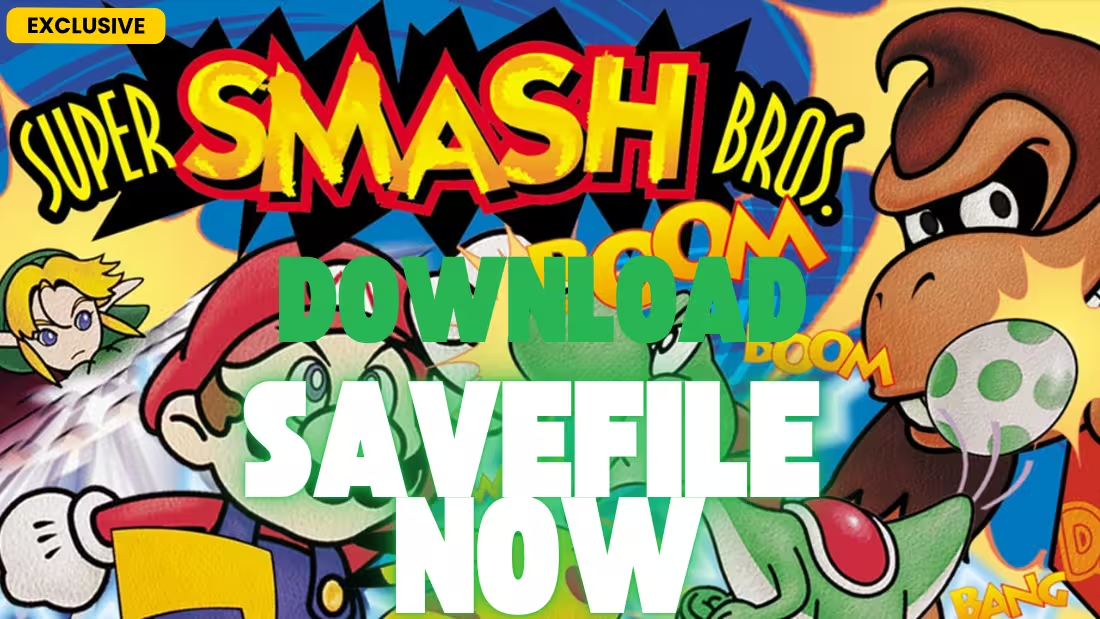
There comes a time when you just want to jump into 4-player battles with all characters and stages unlocked without grinding through Classic Mode repeatedly. Whether you’re playing on Project64, RetroArch, or another N64 emulator, a 100% save file is the perfect solution. Today, we are offering a complete 100% Save File for Super Smash Bros. 64 that unlocks everything the game has to offer .
About Super Smash Bros. 64: Released in 1999, Super Smash Bros. (retroactively known as Smash 64) was the first entry in the iconic fighting game series developed by HAL Laboratory. It introduced the unique “percentage” damage system and platform-based combat that has become a staple of the franchise .
What’s Included in This Save File?
This save file is designed to give you the complete Super Smash Bros. 64 experience from the moment you load. Here are the key features you can expect :
- All 12 Playable Characters: All eight starter characters plus all four secret characters unlocked.
- All 9 Stages: All eight starter stages plus the secret Mushroom Kingdom stage.
- All Secret Characters Unlocked: Jigglypuff, Captain Falcon, Luigi, and Ness.
- Mushroom Kingdom Stage: The classic stage from the original Super Mario Bros. game .
- Sound Test Mode: Unlocked for listening to the game’s soundtrack.
- Item Switch Mode: Unlocked after playing 100 VS. matches, allowing you to customize which items appear in battles .
Complete Unlockables Guide
Here’s everything that this 100% save file unlocks for you instantly. Normally, these would require specific in-game achievements :
Secret Characters
Secret Stage
| Stage | Normal Unlock Requirement |
|---|---|
| Mushroom Kingdom | Complete 1P Game with all 8 starter characters and play each starter stage in VS. Mode at least once |
Secret Modes
| Mode | Normal Unlock Requirement |
|---|---|
| Item Switch | Play 100 VS. matches (any duration) |
| Sound Test | Complete Break the Targets and Board the Platforms with all 12 characters |
Complete Character Roster
Super Smash Bros. 64 features 12 playable characters from Nintendo’s most beloved franchises :
Starter Characters (8)
- Mario (Super Mario series)
- Donkey Kong (Donkey Kong series)
- Link (The Legend of Zelda series)
- Samus Aran (Metroid series)
- Yoshi (Yoshi series)
- Kirby (Kirby series)
- Fox McCloud (Star Fox series)
- Pikachu (Pokémon series)
Unlockable Characters (4)
- Jigglypuff (Pokémon series) – A lightweight fighter with powerful aerial moves and Sing
- Captain Falcon (F-Zero series) – A speed-based fighter with the devastating Falcon Punch
- Luigi (Super Mario series) – Mario’s brother with a higher, floatier jump and unique attacks
- Ness (EarthBound / Mother series) – A psychic fighter with powerful PK attacks and baseball bat swings
Complete Stage List
The game features 9 stages, each inspired by classic Nintendo games :
Starter Stages (8)
- Peach’s Castle (Super Mario 64) – Features a rotating platform and a bumper
- Kongo Jungle (Donkey Kong) – A jungle stage with a barrel cannon
- Hyrule Castle (The Legend of Zelda) – A large stage with a tornado hazard
- Planet Zebes (Metroid) – Features rising acid that damages players
- Yoshi’s Island (Yoshi series) – A cloud-based stage with platforms
- Dream Land (Kirby series) – A classic stage with Whispy Woods blowing wind
- Sector Z (Star Fox) – A large stage set on the Great Fox
- Saffron City (Pokémon) – Features a building where Pokémon appear
Unlockable Stage (1)
- Mushroom Kingdom (Super Mario Bros.) – A classic side-scrolling stage with Warp Pipes and POW blocks
Why Use a Pre-Made Save File?
While unlocking everything in Super Smash Bros. 64 is a rite of passage for many players, using a 100% save file offers several distinct advantages:
- Time Efficiency: Skip the hours required to unlock all four secret characters, the secret stage, and both secret modes.
- Restoration: Recover lost progress if your emulator save file becomes corrupted.
- Multiplayer Ready: Perfect for party play with all characters and stages available immediately.
- Complete Experience: Access everything the game has to offer without the grind.
📁 Save File Location
Before installing the new save, you need to know where to place it. For Super Smash Bros. 64, saves are stored in different locations depending on your emulator. Important: On original N64 hardware, save data is stored directly on the game cartridge’s EEPROM chip and cannot be easily transferred without specialized hardware .
Project64 Emulator
[Project64 Installation Folder]\Save\Save files use the .eep extension for EEPROM saves (which Super Smash Bros. 64 uses) . The save file must have the exact same filename as your ROM (e.g., if your ROM is “Super Smash Bros (USA).z64”, the save file should be “Super Smash Bros (USA).eep”).
RetroArch / Mupen64Plus
[RetroArch Folder]\saves\For RetroArch using the Mupen64Plus core, save files typically use the .srm format. You can rename a .eep file to .srm as long as the filename matches your ROM.
Mupen64 (Standalone)
[Mupen64 Folder]\saves\Similar to Project64, Mupen64 uses .eep files for EEPROM-based games.
Original N64 Hardware
On a physical Nintendo 64 console, save data is stored on the game cartridge itself, not on a memory card . To transfer a save file to a physical cartridge, you would need specialized hardware such as:
- Retrode: A device that allows you to dump and restore saves from original cartridges
- Gameshark Pro: Some versions allow save backup/restore
- EverDrive: A flash cartridge that can load ROMs and save files from an SD card
For most players, using this save file with an emulator is the simplest approach.
⚙️ Installation Guide
Follow these steps to safely install your new 100% save file:
Step 1: Backup Your Existing Saves
- Navigate to your emulator’s save folder (e.g.,
[Project64]\Save\). - Copy any existing
.eepor.srmfiles to a safe location (like your desktop) to backup your current progress. - This step is crucial if you want to preserve your existing save data.
Step 2: Download and Extract the Save File
Alternate Link
- Click the download link to obtain the save file. It will be in a
.zipor.rarformat. - Use WinRAR, 7-Zip, or Windows’ built-in extraction tool to extract the contents .
- You should see a file with a
.eepextension.
Step 3: Rename the Save File (If Necessary)
- Find your Super Smash Bros. 64 ROM file. Note its exact filename (including region, e.g., “Super Smash Bros (USA).z64”).
- Rename the downloaded save file to match your ROM filename, but keep the
.eepextension. - Example: If your ROM is “Super Smash Bros (USA).z64”, rename the save to “Super Smash Bros (USA).eep”.
Step 4: Copy the Save File
- Copy the renamed
.eepfile into your emulator’s save folder. - If you’re using RetroArch, you may need to rename the extension to
.srminstead. - If there’s already a save file with the same name, replace it (after backing up).
Step 5: Launch the Game
- Start your emulator and load Super Smash Bros. 64.
- You should now have all characters and stages unlocked!
- To verify, check the character select screen for Captain Falcon, Jigglypuff, Luigi, and Ness. Also check the stage select screen for Mushroom Kingdom .
Frequently Asked Questions (FAQ)
Is this save file safe to use? Will it work with my emulator?
Yes, save files for N64 emulators are completely safe to use. This save file works with Project64, Mupen64, RetroArch (Mupen64Plus core), and most other N64 emulators. The key is to ensure the save file has the correct filename and extension to match your ROM.
Does this work with the Virtual Console version on Wii/Wii U?
The Virtual Console version of Super Smash Bros. 64 uses a different save structure than the original N64 cartridge. This save file is designed for emulator use. However, you can use a tool like SaveGame Manager GX to import the save if you have a modded Wii .
How do I know if the save installed correctly?
After loading the game, check these indicators:
- On the character select screen, all 12 characters should be visible (no question marks).
- On the stage select screen, Mushroom Kingdom should appear as a stage option.
- Go to the Data menu to check if Sound Test and Item Switch modes are available .
Can I use this save on original N64 hardware?
On original N64 hardware, save data is stored directly on the game cartridge, not on a memory card . Transferring a save to a physical cartridge requires specialized hardware such as a Retrode or EverDrive. For most users, using this save with an emulator is the most practical option.
What’s the difference between .eep, .fla, and .sra save files?
Different N64 games use different save chip types:
- .eep (EEPROM): Used by Super Smash Bros. 64 and most early N64 games
- .fla (FlashRAM): Used by games like Majora’s Mask and Pokémon Stadium
- .sra (SRAM): Used by games like Ocarina of Time
For Super Smash Bros. 64, you need the .eep format.
The save doesn’t appear. What do I do?
If the save doesn’t work, try these fixes:
- Ensure the save file has the exact same filename as your ROM (including capitalization).
- Check that the file extension is
.eep(or.srmfor RetroArch). - Make sure the save file is in the correct folder—Project64 uses the
Savefolder, not the ROM folder. - For Project64, go to Options → Settings → Directories and verify the save directory path.
- Launch the game once to generate a save file, then replace it with the downloaded one.
System Requirements for N64 Emulation
To run Super Smash Bros. 64 on your PC via emulation:
Minimum Requirements
- OS: Windows 7 / 8 / 10 / 11, macOS, or Linux
- CPU: 2.0 GHz dual-core processor
- GPU: DirectX 9 or OpenGL compatible
- RAM: 2 GB
- Storage: 100 MB for emulator + 12 MB for ROM
Recommended Requirements
- CPU: 2.5 GHz quad-core processor
- GPU: Dedicated GPU with OpenGL 4.6 support
- RAM: 4 GB
About Super Smash Bros. 64
Super Smash Bros. was released on the Nintendo 64 in 1999 and revolutionized the fighting game genre. Unlike traditional fighting games like Street Fighter or Tekken, Smash Bros. focuses on knocking opponents off the stage rather than depleting a health bar . Key features include:
- Unique Damage System: A percentage counter that increases as fighters take damage—higher percentage means being launched farther
- Simple Controls: All characters use the same button combinations for attacks, making it accessible to newcomers
- Nintendo Crossover: The first game to bring together characters from Mario, Zelda, Pokémon, Metroid, and other Nintendo franchises
- Multiplayer Focus: Designed for up to 4 players, it became a party game staple
The game was developed by HAL Laboratory under the direction of Masahiro Sakurai, who famously created a prototype called “Dragon King: The Fighting Game” before Nintendo approved the crossover concept . It sold over 5 million copies worldwide and spawned a beloved franchise that continues today with Super Smash Bros. Ultimate on Nintendo Switch .
Conclusion
Stop grinding through Classic Mode and start enjoying everything Super Smash Bros. 64 has to offer. With this 100% save file, you have access to all 12 characters, all 9 stages, and both secret modes in an instant. Whether you’re playing on Project64, RetroArch, or another N64 emulator, this save gives you the complete Smash experience without the grind.
If you found this guide helpful, please leave a comment below letting us know who your main is! Thanks for reading, and happy smashing! 🎮💥