Are you looking to breathe new life into your Sims 4 experience? Custom save files can completely transform your game, offering renovated lots, brand-new families, immersive storytelling, and realistic world-building. Whether you crave a more detailed environment, story-driven households, or fresh challenges, the best Sims 4 save file options can elevate your gameplay like never before.
In this guide, we’ve rounded up some of the most impressive save files the Sims 4 community has to offer. Each one brings something special—from vibrant neighborhoods and career-ready Sims to complete world overhauls and gameplay enhancements. Let’s dive into the best Sims 4 save files that will make your game feel brand new again.
Summary
Simsie Save File Ver 10 (Eco Lifestyle)
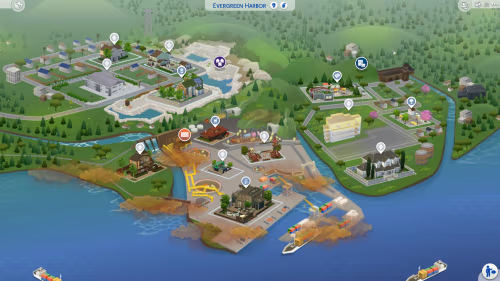
This popular save file by lilsimsie revamps the entire Sims 4 world, adding 50 brand-new lots, redesigned EA community spaces, and 78 unique families with rich backstories. If you’re looking for a refreshing and immersive gameplay experience, this is an excellent option.
Key Features:
- 50 new lots, including modernized EA community lots
- 78 custom families with careers, relationships, and skills
- Eco Lifestyle world (Evergreen Harbor) fully renovated
- No mods or CC required
Installation Instructions:
- Backup your existing Saves folder:
Electronic Arts/The Sims 4/Saves - Download and unzip the save file.
- Move the extracted save into
Electronic Arts/The Sims 4/Saves - Rename the file if needed (e.g.,
Slot_00000099.save). - Open the game and load “SimsieSave10”.
- Save it as a new file for personal use.
download
Rat Save File 1.2
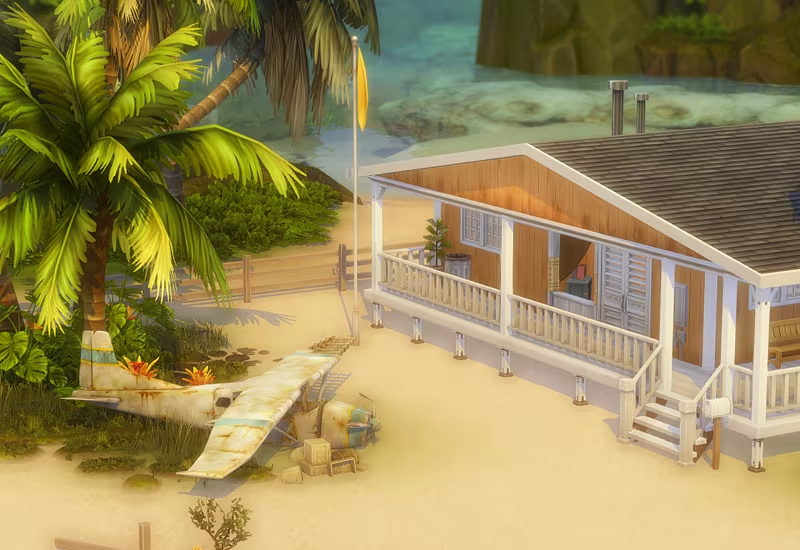
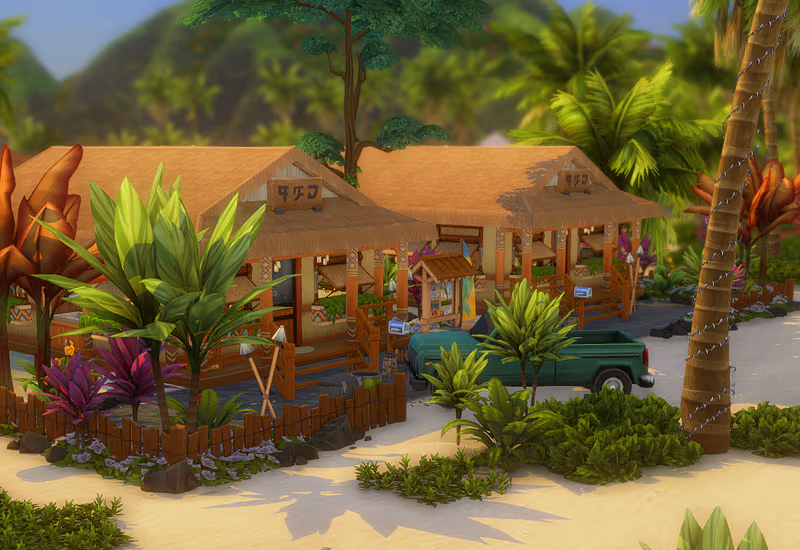
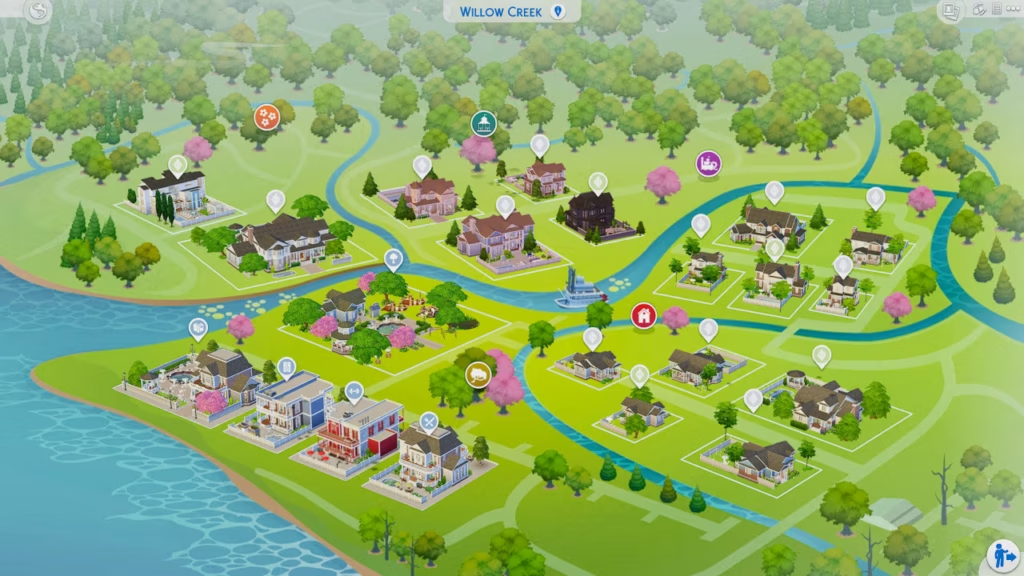
This save file by Ratboysims brings completely redesigned Willow Creek and Magnolia Promenade while adding revamped Sulani worlds for a more polished experience.
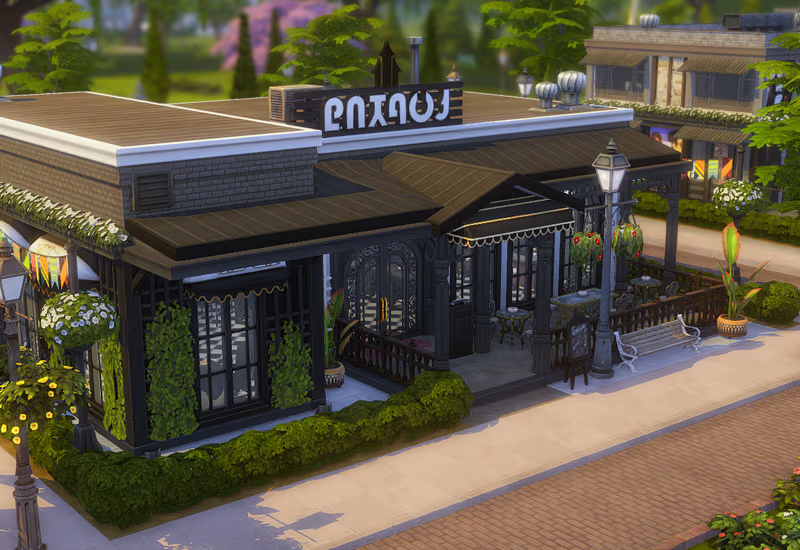
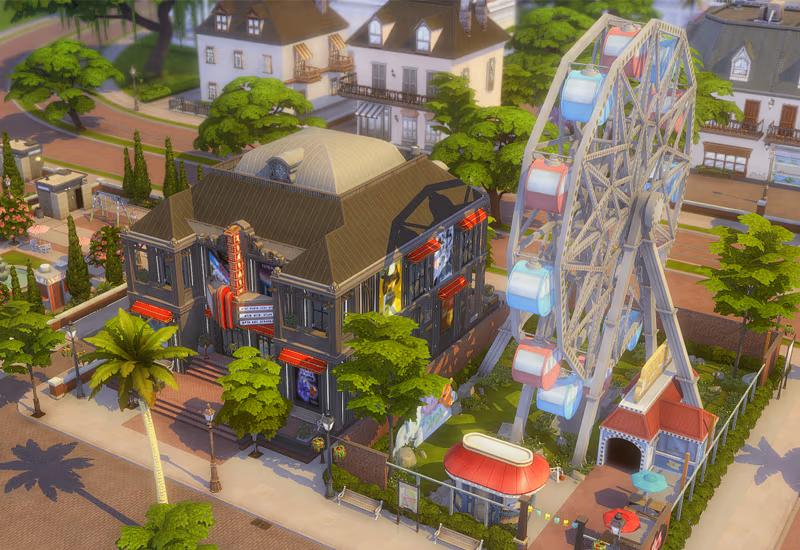
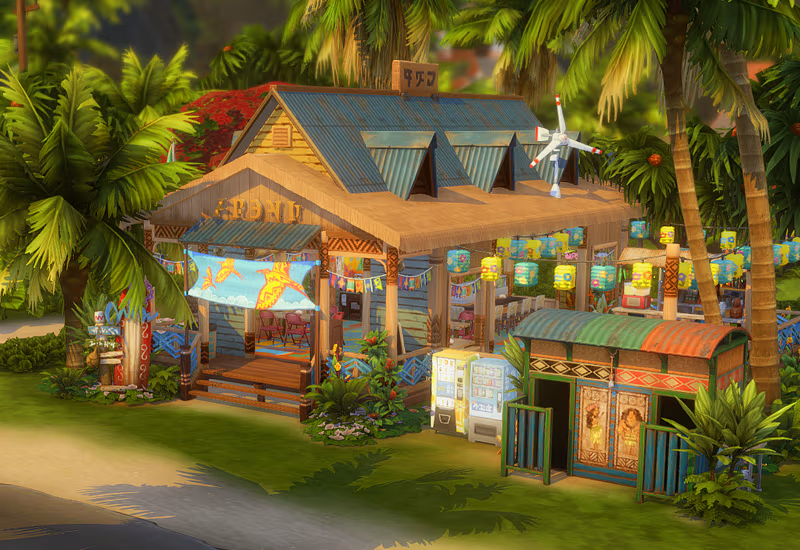
Key Features:
- Willow Creek & Magnolia Promenade completely revamped
- New households with detailed backstories
- Sulani redesigned for improved realism
- No mods or CC required
- Works with most packs except Journey to Batuu, Moschino, and My First Pet Stuff
Installation Instructions:
- Backup your Saves folder.
- Download and extract the save file.
- Move the file into
Electronic Arts/The Sims 4/Saves. - Rename it if necessary to avoid overwriting existing saves.
- Load the save file in-game.
download
Littleroot Save File 1.5
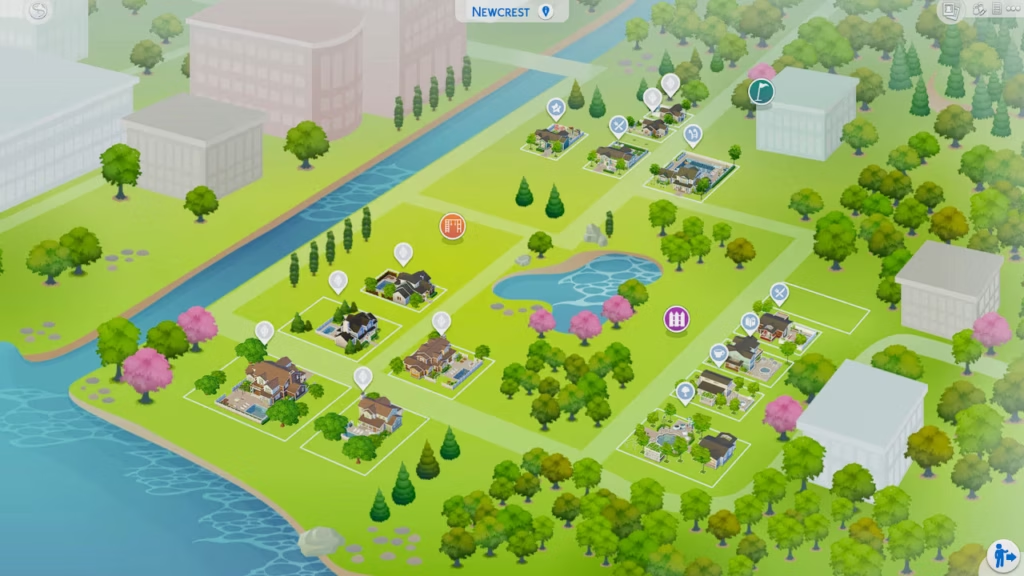
If you want an immersive, well-balanced gameplay experience, Littleroot Save 1.5 by TheTinyCowPlant is the perfect pick. It features 29 new townie families, reworked EA lots, and fresh community spaces.
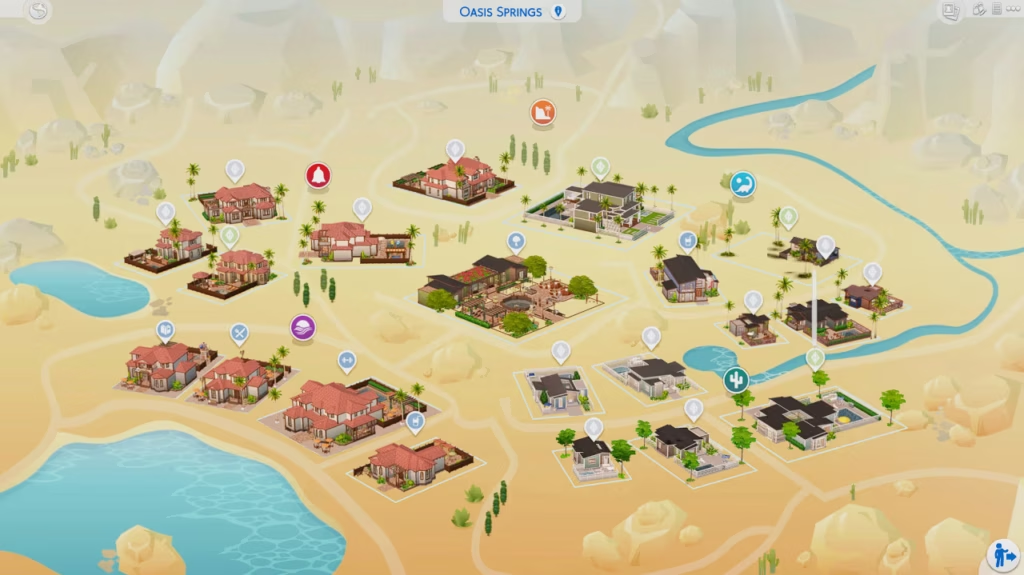
Key Features:
- New community and residential lots
- 29 unique townie families with jobs, skills, and relationships
- Reworked EA lots for realism
- Recommended for use with MC Command Center
Installation Instructions:
- Backup your Saves folder before making changes.
- Download and unzip the save file.
- Move the extracted files into
Electronic Arts/The Sims 4/Saves. - Rename the save file if needed.
- Load “Littleroot Save 1.5” in The Sims 4.
download
Fleuralia Save File 8.0
One of the most detailed and story-rich save files, Fleuralia Save File 8.0 overhauls several worlds, introducing renovated townies, new builds, and added vacation rental lots.
Key Features:
- Ciudad Enamorada and Ravenwood completely reworked
- 50% custom builds, 50% renovated EA builds
- Townies updated with makeovers and new families
- Added rental lots for vacation-style gameplay
- No mods or CC required
Installation Instructions:
- Backup your current Saves folder.
- Download and extract the save file.
- Place it into
Electronic Arts/The Sims 4/Saves. - Rename the file if necessary.
- Load “Fleuralia Save V8.0” and start playing.
download
sims 4 Save File Location
All Sims 4 save files are stored in the following location:
C:\Users\YourUsername\Documents\Electronic Arts\The Sims 4\SavesAlways back up your existing saves before replacing them with new ones!
Final Thoughts
These Sims 4 save files will give you completely fresh worlds, detailed families, and new gameplay experiences. Whether you’re looking for renovated builds, developed storylines, or immersive community spaces, these save files have something for every player.
🔥 Download your favorite save file now and elevate your Sims 4 experience!